How to Calculate Age in Excel: DATEDIF, YEARFRAC, and a Simple Alternative
Need an accurate age formula in Excel? Learn how to calculate age from date of birth using DATEDIF and YEARFRAC, plus a simple calculator option for edge cases.
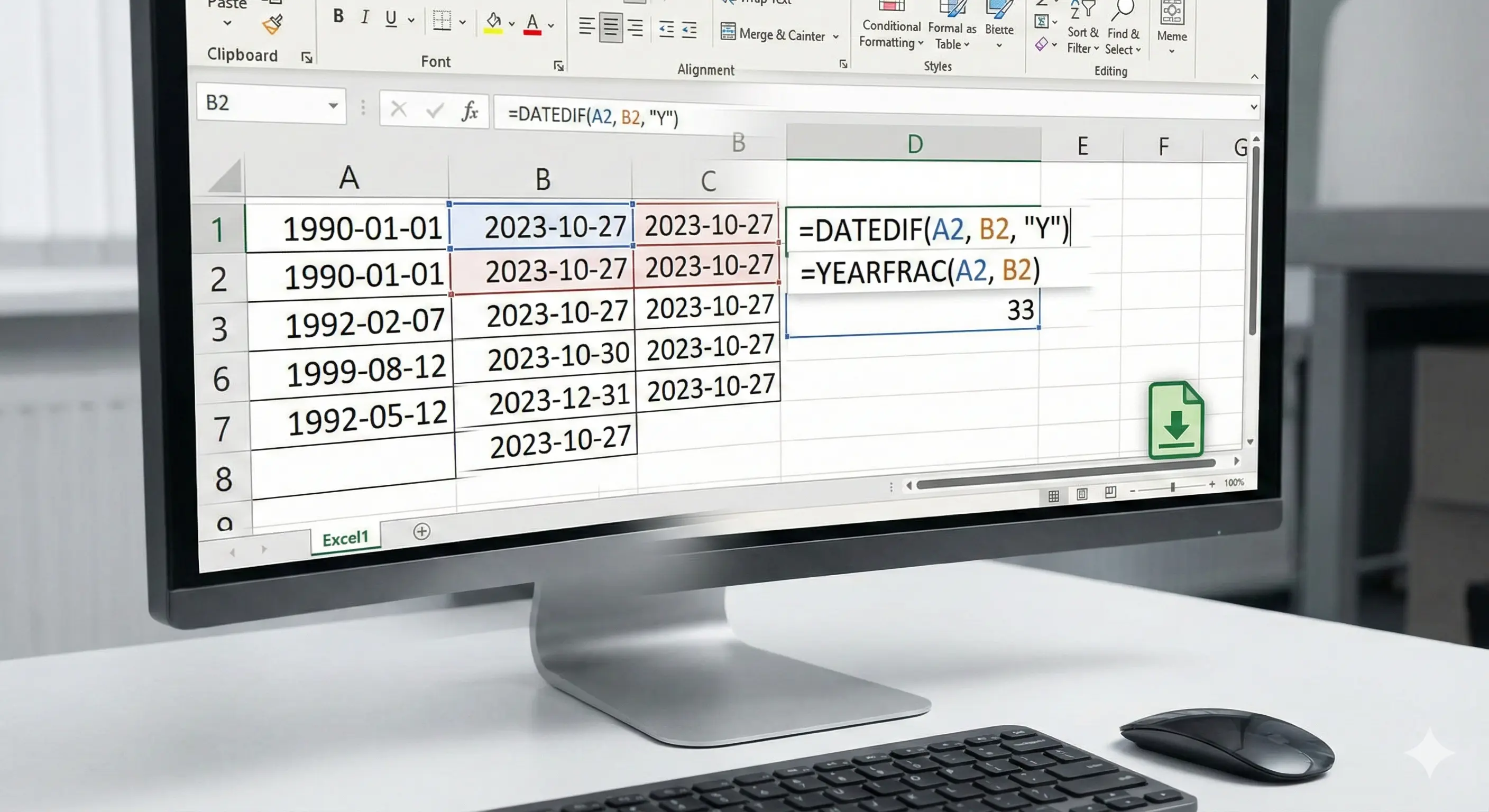
How to Calculate Age in Excel: DATEDIF, YEARFRAC, and a Simple Alternative
Excel can calculate age from a date of birth, but small details matter (whether the birthday has happened yet, leap years, and invalid dates). Below are compact, copyable formulas and quick tips.
Fast option: use an online age calculator
If you want an exact breakdown in years, months, and days (and you do not want to debug formulas), use a tool and then paste the result into your sheet.
Open the age calculator and enter the date of birth and the reference date (today or any date).
Age in full years (recommended)
This is the most common definition of age: the number of completed years.
Formula (Excel):
=DATEDIF(A2, TODAY(), "Y")Example: If A2 is the date of birth, the formula returns the age in full years as of today.
Age as a decimal (approximate)
If you need something like 25.7 years, you can use YEARFRAC. Note that it depends on the day-count basis and can differ slightly from an exact years-months-days breakdown.
=YEARFRAC(A2, TODAY())Age on a specific date (not today)
Replace TODAY() with a cell that contains the reference date (for example, B2).
=DATEDIF(A2, B2, "Y")Common pitfalls
- Cell formatting: Make sure your date of birth is a real date value, not text.
- DATEDIF quirks: DATEDIF is supported but not always shown in Excel help; test a few rows to confirm the result.
- Leap day birthdays: If you store 2004-02-29, calculations across non-leap years can surprise you. Tools handle this consistently; formulas might need extra handling depending on your rules.
FAQ
What is the best Excel age formula?
For completed years, DATEDIF(dob, as_of, "Y") is the simplest. If you need an exact breakdown (years, months, days), use a calculator or compute each unit carefully.
Can I calculate age in years and months?
Yes. Use DATEDIF for years and months:
=DATEDIF(A2, TODAY(), "Y") & " years, " & DATEDIF(A2, TODAY(), "YM") & " months"